Best-Compression-Software

15 Best Image Compression Software/Tools (2022)

Rate this post

In this blog post, I have covered the” 15 best image compression software tools” compassion.

Images are essential for the website to attract the attention of the users. Photos taken with the latest high-quality cameras come with large image files. Which is not suitable to use on web pages and also leads to high load times. it is not good for a website, the load time of a website can affect its ranking in google search results. So we should use an image compressing tool which can reduce our image file.

Image compression is a method where the size of the image is reduced without affecting the image quality. In particular, digital image compression makes it possible to reduce the unused data.That is naturally present in your image data and allows you to store and transmit images in a more efficient manner. helps, thereby saving bandwidth, expense, and a lot of time.

Benfits of high-quality images

Images are the soul of any online article, as it helps to make the content more active and easy to understand. In particular, high-quality images delight readers’ eyes and encourage them to read the actual content.

With optimized images, a website can download fast and gives a great surfing experience to visitors

Ideally, your page’s content should capture the viewer’s attention through stunning images as soon as they enter the page, and then they will slowly scroll down the page. Whatever content they want, they will get it soon.

List of Best Offline Image Compression Software/Tools

Sr Image Name Rating Pricing Compatibility FeaturesDetails Page
1 Caesium Image Compressor Caesium Image Compressor
5.0
Windows
  • Image compression
View Details
2 PNG Optimizer PNG Optimizer
5.0
Windows
  • PNG compression
View Details
3 PNG Gauntlet PNG Gauntlet
4.5
Windows
  • PNG optimization
View Details
4 RIOT RIOT
4.0
Windows
  • Image optimization
View Details
5 OptiPNG OptiPNG
3.5
Windows,Mac,Linux
  • PNG compression
View Details
6 jStrip jStrip
3.5
Windows
  • JPEG compression
View Details
7 ImageOptim ImageOptim
2.5
Mac
  • Image optimization
View Details
9 Advanced JPEG Compressor Advanced JPEG Compressor
3.5
Windows
  • JPEG compression
View Details
10 Compressor.io Compressor.io
4.5
Web-based
  • Image compression
View Details
11 TinyPNG TinyPNG
5.0
Freemium Web-based
  • PNG compression
View Details
12 JPEG Optimizer JPEG Optimizer
4.0
Free Web-based
  • JPEG optimization
View Details
13 Kraken.io Kraken.io
4.5
Freemium Web-based
  • Image optimization
View Details
14 Optimizilla Optimizilla
4.5
Free Web-based
  • Image compression
View Details
15 PunnyPNG PunnyPNG
4.0
Web-based
  • PNG compression
View Details
16 Convert Master Tool Convert Master Tool
5.0
Free Web-based
  • Image compression, Bulk upload (25 files), Multi-format support (PNG, JPG, WebP, BMP)
View Details

1.Caesium Image Compressor

Caesium Image Compressor

5.0
View Details

Caesium Image Compressor is a free image compressor that is Suitable for windows. It can compress JPG, JPEG, PNG & BMP images while providing the flexibility to determine the compression level for images.

How to use Caesium Image Compressor watch video 

Cons: Conversion from image to png is taken time.

2. PNG Optimizer

PNG Optimizer

5.0
View Details
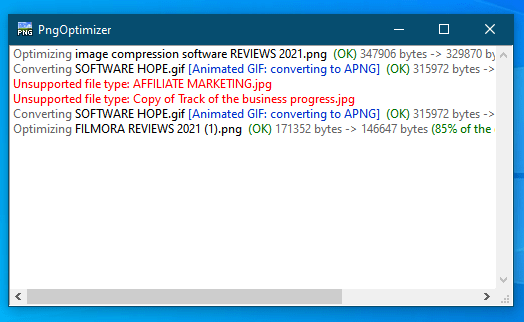
Optimizer-image-compressor-software

It can also convert GIF, BMP, and TGA images into PNG images. This application is available in two versions: Windows (64 bits) and Windows(32 bits). It is only compatible with PNG files

  • Reduces your PNG files weight.
  • Converts into PNG other lossless image formats (BMP, GIF, TGA).
  • Creates easily available PNG screenshots.
  • Offers a simple and productive user interface.

Cons: jpg file does not support


3. PNG Gauntlet

PNG Gauntlet

4.5
View Details
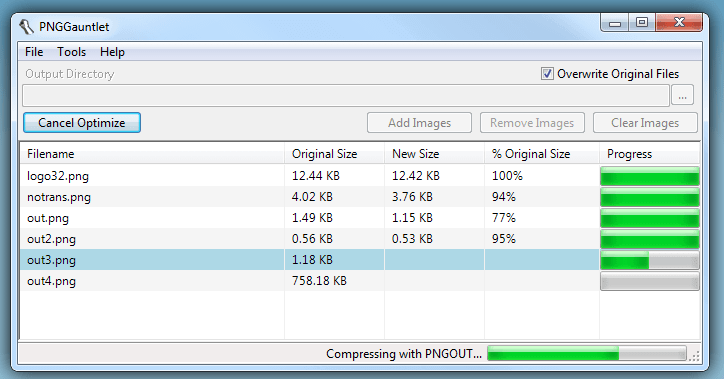
jpg-Gauntlet-image-compressor-tool

PNG Gauntlet is a tool best for optimizing PNG files and is available for Windows only. It is suitable for converting JPEG, BMP, GIF, and TIFF image files into PNG format. It combines techniques with PNGOUT, OptiPNG, to obtain the smallest PNG images as possible.

  • Combines PNGOUT, OptiPNG, and DeflOpt to create the smallest PNGs
  • No image quality is lost — only file size
  • Converts JPG, GIF, TIFF, and BMP files to PNG
  • Ultra-configurable

Pros:

  • Ultra-configurable
  • An effortless tool to employ.
  • You can compare parallelly in real-time

4.Riot

RIOT

4.0
View Details
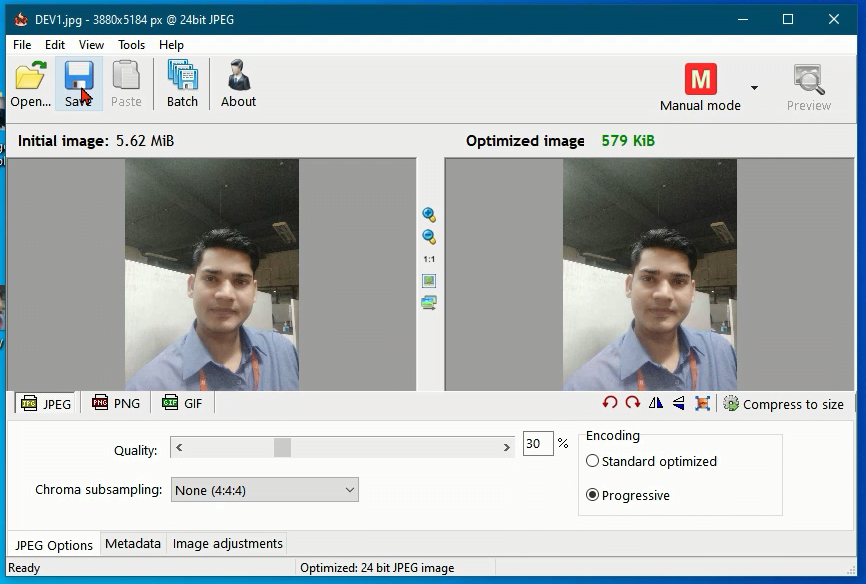
image-compressor

Image Optimization Tool ( RIOT ) possesses the ability to optimize PNG, GIF, and JPEG files. It gives freedom to upload files to batch mode while providing one a free pass to decide the number of colors, gamma, invert, brightness, contrast, and metadata settings for all your images. The basic tools like pan, zoom, flip and rotate are also present in its interface.

Pros:

  • It can also perform the function of a resizing tool.

5.OptiPNG

OptiPNG

3.5
View Details
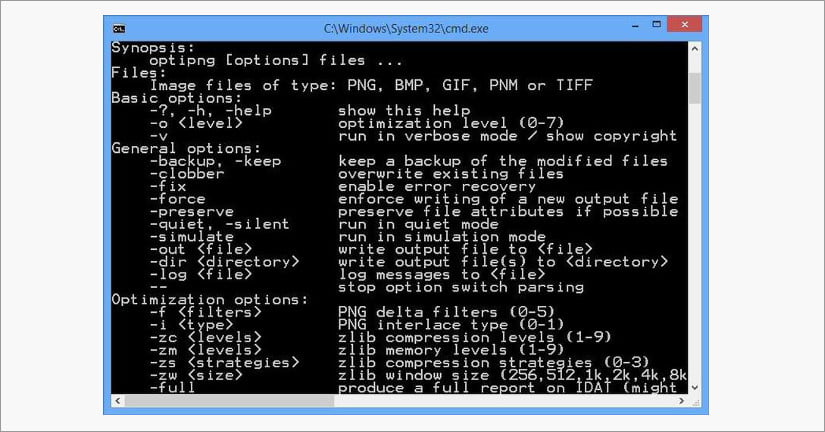
image-compressor-tool

This is a small command-line tool with PNG optimizers. It can awesomely shrink the size without any more loss. It modifies images with formats like GIF, PNM, BMP, and TIFF & also acts as a PNG integrity checker.

Cons:

  • Command-line tools can be difficult to use for beginner users

6.jStrip

jStrip

3.5
View Details
image-compressor-tool

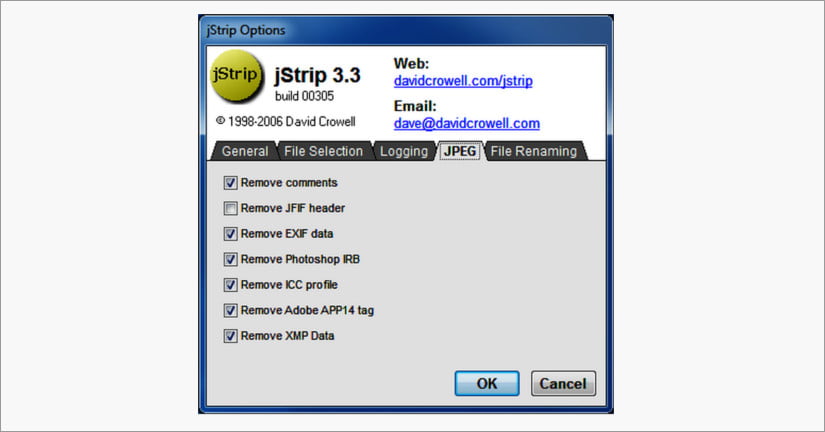
This tool is an open and open-source tool that helps to cut selected image size without losing its condition(quality).

Pros:

  • No modification in the optimized image data.
  • Option to retain original timestamp of modified files
  • Ability to process a single file, or batch processing, including recursing a folder tree

7.ImageOptim(only for mac)

ImageOptim

2.5
View Details

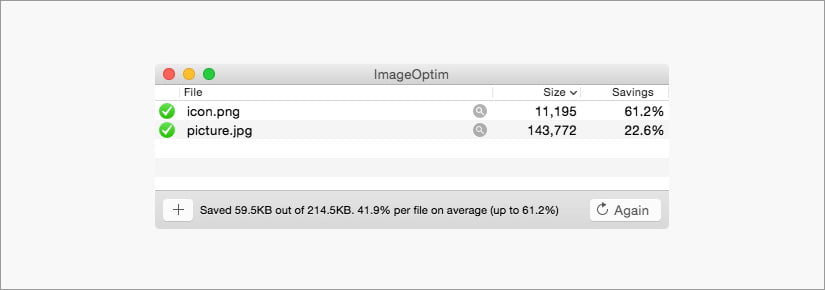
ImageOptim is a lossless best image compression tool. It does not hamper the quality of an image while reducing its size. It is smooth and efficient to get a hand on. Once you download it, in this software drag and drop feature is available in this software. If you are operating on a Mac system, then this is the blogging tool one must have to produce ‘web-ready images.

Pros:
Openly available and is completely free.
SVG optimizations via SVGO.
Supports multiple image formats like JPEG, PNG, & GIF animations.

8. Convert Master Tool

Convert Master Tool

5.0
View Details

Convert Master Tool can compress almost all image file formats. It has a simple interface in which a file can be added by just dragging it. in column. 

Pros:

It has a SIMPLE and user-friendly interface.

9.Advanced JPEG Compressor

Advanced JPEG Compressor

3.5
View Details

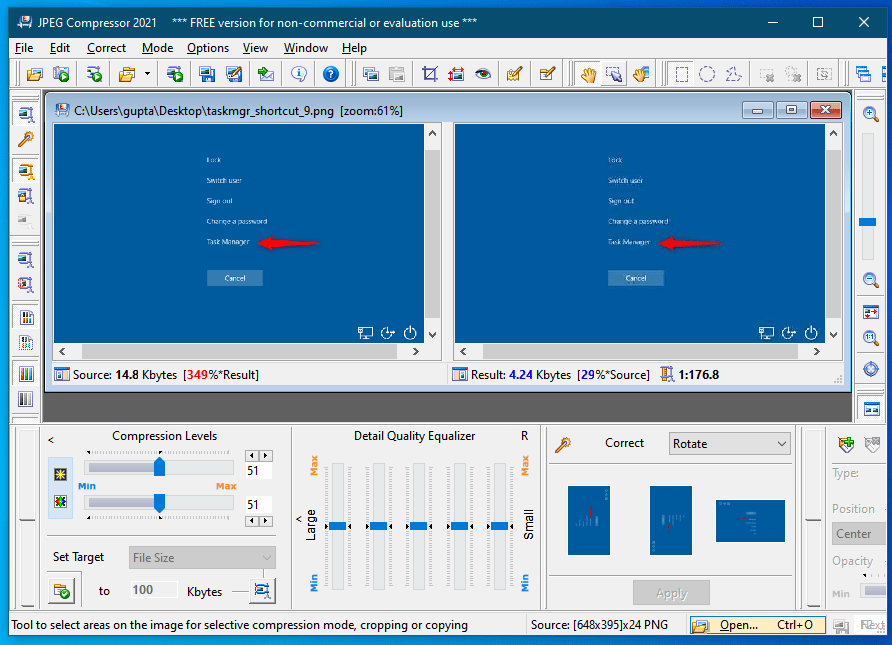
PEG Compressor made for resizing and processing digital images in JPEG or JPG format. (JPG)JPEG  is the most well-liked digital photo format. JPEG Compressor performs all of the image processing tasks you need to get your photos ready for sharing, storing, and printing

Pros:

  • Size Your Digital Photos
  • Correct/Edit Digital Photos
  • Automate your tasks

List of Best Online Image Compression Tools

1.Compressor.io

2..Tiny PNG

3.JPEG Optimizer

4. Kraken.io

5. Optimizilla

6. Punny PNG

Sr Image Name Rating Pricing Compatibility Features WebsiteDetails Page
1 Convert Master Tool Convert Master Tool
5.0
Free Web-based
  • Image compression, Bulk upload (25 files), Multi-format support (PNG, JPG, WebP, BMP)
Visit Website View Details
2 TinyPNG TinyPNG
5.0
Freemium Web-based
  • PNG compression
Visit Website View Details
3 JPEG Optimizer JPEG Optimizer
4.0
Free Web-based
  • JPEG optimization
Visit Website View Details
4 Kraken.io Kraken.io
4.5
Freemium Web-based
  • Image optimization
Visit Website View Details
5 Optimizilla Optimizilla
4.5
Free Web-based
  • Image compression
Visit Website View Details
6 PunyPNG
3.0
Free Web-based
  • Multi-format compression (JPEG, GIF, PNG), Bulk upload (20 files)
Visit Website View Details

IAMGE COMPRESSIO FAQ

What is image optimization❓

Image compress is a tool that reduces the size of images before uploading them to your websites. With a smaller size, image will not cause any obstacle to your site’s loading speed.

With the help of these tools, you can definitely enhance website appearance and speed by optimizing image

How does image optimization work❓

Image optimization is about reducing the Unwanted file size of your images as possible without losing quality so that your page load times remain low. It’s also about image SEO. That is, getting your product images to rank on Google and other image search engines

Why is image optimization important❓

Non-optimized images slow Your website. because unoptimized images are heavy so optimizing the image is very important

How to compress an image❓

There are various software available to compress images which explain above in this article
For your understanding, I have made a video on how to compress

For More software click here

Scroll to Top