Free Photoshop alternatives

Best Free Photoshop Alternatives in 2025 – Top 5 Free Image Editors

5/5 - (3 votes)

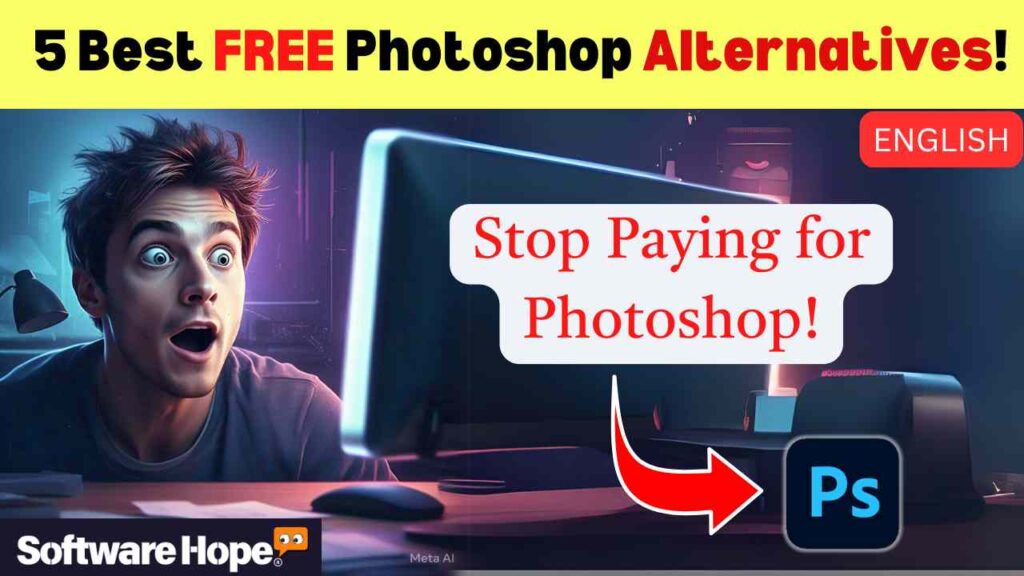
Are you looking for a way to edit photos like a pro without spending money on Photoshop? Many people love Photoshop, but it’s expensive. Luckily, there are Free Photoshop alternatives that offer powerful editing tools. Whether you’re a student, an artist, or someone who just wants to improve their photos, these programs can help you create amazing images without breaking the bank.

Best Free Photoshop Alternatives in 2025 – Top 5 Free Image Editors

Sr Image Name Rating Pricing Compatibility Categories Features Website Details Page
1 Photopea logo
★★★★★
4.8
Subscription
Web
-
  • PSD editing
  • Layer support
Visit Site Details
2 GIMP logo
★★★★☆
4.1
Open Source
Windows,macOS,Linux
-
  • Image editing
  • Layer support
Visit Site Details
3 Krita logo
★★★★★
4.8
Open Source
Windows,Mac,Linux
-
  • Digital painting
  • Brushes
Visit Site Details
4 Paint.NET logo
★★★★☆
4.3
Free
Windows
-
  • Paint.NET stands out through its exceptionally approachable interface combined with a thriving plugin ecosystem of hundreds of community-made extensions that dramatically expand its capabilities beyond its simple appearance. Its fast load time; stable performance; and unlimited history panel make it the most accessible free drawing software for Windows users seeking a genuine step up from MS Paint.
Visit Site Details
5 Photoscape X logo
★★★★☆
4.3
One-time Purchase
Windows, Mac
-
  • Batch editing
  • Collage maker
Visit Site Details

5. Photoscape X

Photoscape X

Photoscape X is a fun and easy photo editing software that offers tools for editing, batch processing, and creating collages

★★★★☆4.3(60 reviews)
💰 One-time Purchase

Photoscape X is an easy-to-use photo editor that comes with many helpful features. It’s great for beginners who want simple tools to enhance their images. You can edit pictures, create collages, add filters, and even make GIFs. It also has a RAW file editor, which is perfect for photographers who want to edit high-quality images. This software is best Free Photoshop alternatives

Key Features:

  • Photo Viewer: Helps you browse through your images easily.

  • Batch Editing: Allows you to edit multiple photos at once.

  • Collage Maker: Lets you combine different pictures into a single image.

  • GIF Creator: Helps you make fun animations from your images.

  • Filters & Effects: Offers various filters to improve your photos instantly.

Pros & Cons

Pros & Cons

Pros

  • imple and easy to use
  • Great for beginners
  • Includes collage and GIF-making tools

Cons

  • Some advanced features require a paid version
  • Not as powerful as Photoshop

Device Compatibility:

Photoscape X works on Windows 10 and newer and Mac OS.

Pricing:

It has a free version, but there’s also a Pro version for around $40 that offers extra tools.

Customer support options:

You can find tutorials on their website, and they have a help section built into the software.

Watch the Video

Check out the best free Photoshop alternatives in this video and start designing for free

4.Paint.NET

Paint.NET

Fast; powerful; and free image editor for Windows with plugin support.

★★★★☆4.3(59 reviews)
💰 Free

Paint.NET is a free and lightweight photo editor that’s great for basic image editing. It started as an upgrade to Microsoft Paint but has grown into a powerful tool with support for layers, effects, and plugins. If you want something simple but still powerful, this is a great option.Many people search for Free Photoshop alternatives because they want high-quality image editing software without the expensive subscription fees

Key Features:

  • Layer Support: Lets you edit different parts of an image separately.

  • Blending Modes: Helps you combine layers in creative ways.

  • Plugins: You can install extra features made by the community.

  • Simple Interface: Easy to navigate, even for beginners.

Pros & Cons

Pros & Cons

Pros

  • Lightweight and fast.
  • Supports layers and blending modes.
  • Free to use with optional paid support

Cons

  • Only available for Windows
  • Lacks some advanced tools

Device Compatibility:

Paint.NET is only available for Windows 10 and 11.


Pricing:

It’s free, but you can buy it from the Microsoft Store to support the developers.

Customer support options:

It has an active user forum where you can ask questions.

3.Krita

Krita

Krita is a professional, free and open-source painting program

★★★★★4.8(357 reviews)
💰 Open Source

Krita is a free, open-source painting and editing software designed for digital artists. If you love drawing, painting, or creating digital artwork, Krita is perfect for you. It has tons of brushes, layers, and tools to help artists create stunning images.Finding the right Free Photoshop alternatives can be tricky, but some software comes close to matching Photoshop’s capabilities. Whether you need basic edits or advanced design tools, these free Software can handle it.

Key Features:

  • Brush Customization: Offers hundreds of brushes and allows you to make your own.

  • Advanced Layer Support: Makes editing complex images easy.

  • Pop-Up Palette: A quick menu for choosing colors and brushes.

  • Animation Tools: Lets you create simple animations.

Pros & Cons

Pros & Cons

Pros

  • Great for digital artists
  • Free and open-source
  • Works on multiple devices

Cons

  • Not ideal for general photo editing
  • Can be overwhelming for beginners

Device Compatibility: Krita works on Windows, Mac, and Linux.

Billing cycle: Annual

Pricing: Completely free with optional donations to support the project.

Customer support options: They offer community forums, documentation, and official tutorials.

2.GIMP

Krita

Krita is a professional, free and open-source painting program

★★★★★4.8(357 reviews)
💰 Open Source

GIMP is a powerful open-source photo editor that’s great for advanced users. It offers many of the same features as Photoshop, including layer support, advanced filters, and color adjustments. If you don’t mind a bit of a learning curve, GIMP is one of the best free Photoshop alternatives available.

Key Features:

  • Layer & Mask Support: Allows professional-level editing.

  • Customizable Interface: You can rearrange the tools to fit your workflow.

  • PSD File Support: Lets you open and edit Photoshop files.

  • Extensive Plugins: Many add-ons are available to expand functionality.


Pros & Cons

Pros & Cons

Pros

  • Very powerful and feature-rich
  • Completely free and open-source
  • Supports Photoshop files

Cons

  • Steep learning curve
  • The interface can feel cluttered

Device Compatibility:

GIMP works on Windows, Mac, and Linux.

Billing cycle: Monthly,Annual

Pricing: It’s 100% free with no paid version.

Customer support options:

GIMP has online documentation, user forums, and video tutorials.


1. Photopea

Photopea

Advanced browser-based image editor supporting PSD and professional design formats

★★★★★4.8(274 reviews)
💰 Subscription

Photopea is a web-based photo editor that looks and works a lot like Photoshop. It doesn’t require any downloads—just open it in your browser and start editing! It’s great for people who need a quick and easy tool to edit images, especially on different devices.The best Free Photoshop alternatives give you professional-level editing tools without the cost. Whether you’re a beginner or an expert, these free options can help you create stunning images easily.

Key Features:

  • Works in Any Browser: No installation needed.

  • PSD File Support: Can open and edit Photoshop files.

  • Layer-Based Editing: Lets you work with multiple layers.

  • Multiple Export Options: Save files in different formats like PNG, JPG, and PSD.

Pros & Cons

Pros & Cons

Pros

  • No need to download anything
  • Looks and feels like Photosho
  • Works on all devices

Cons

  • Ad-supported (unless you pay for premium)
  • Can be slow with large files

Device Compatibility:

Since it’s a web app, Photopea works on Windows, Mac, Linux, and even mobile devices.


Pricing: The free version includes ads, but you can pay $5/month to remove them and unlock extra features.

Customer support options: They offer a help section and online tutorials.

Final Thoughts

These free Photoshop alternatives offer amazing tools for photo editing, design, and digital art. If you’re a beginner, Photoscape X or Paint.NET is a great starting point. If you’re an artist, Krita is perfect for you. If you need advanced editing, GIMP is the way to go. And if you want a web-based tool, Photopea is the best choice.

Scroll to Top